
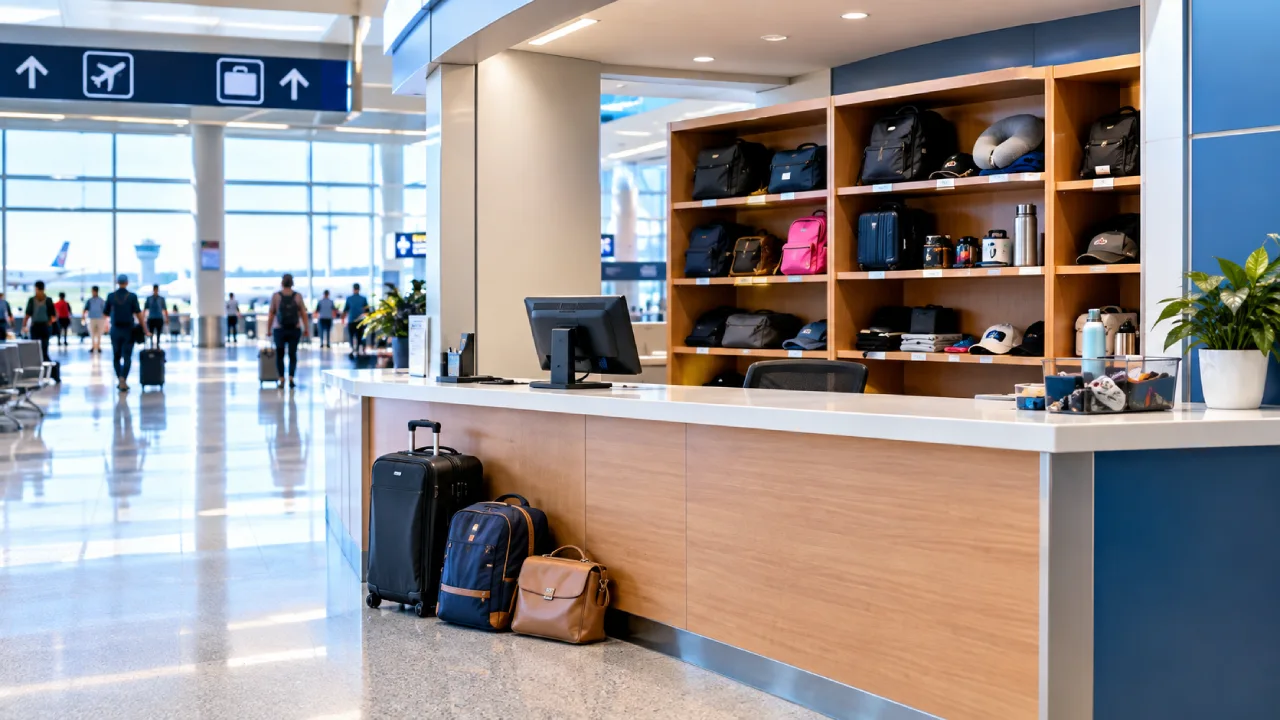
Losing personal belongings at a busy airport like Orlando International Airport can be stressful. However, the airport helps visitors report and recover missing belongings. The right place to contact depends on where travelers lost their items.
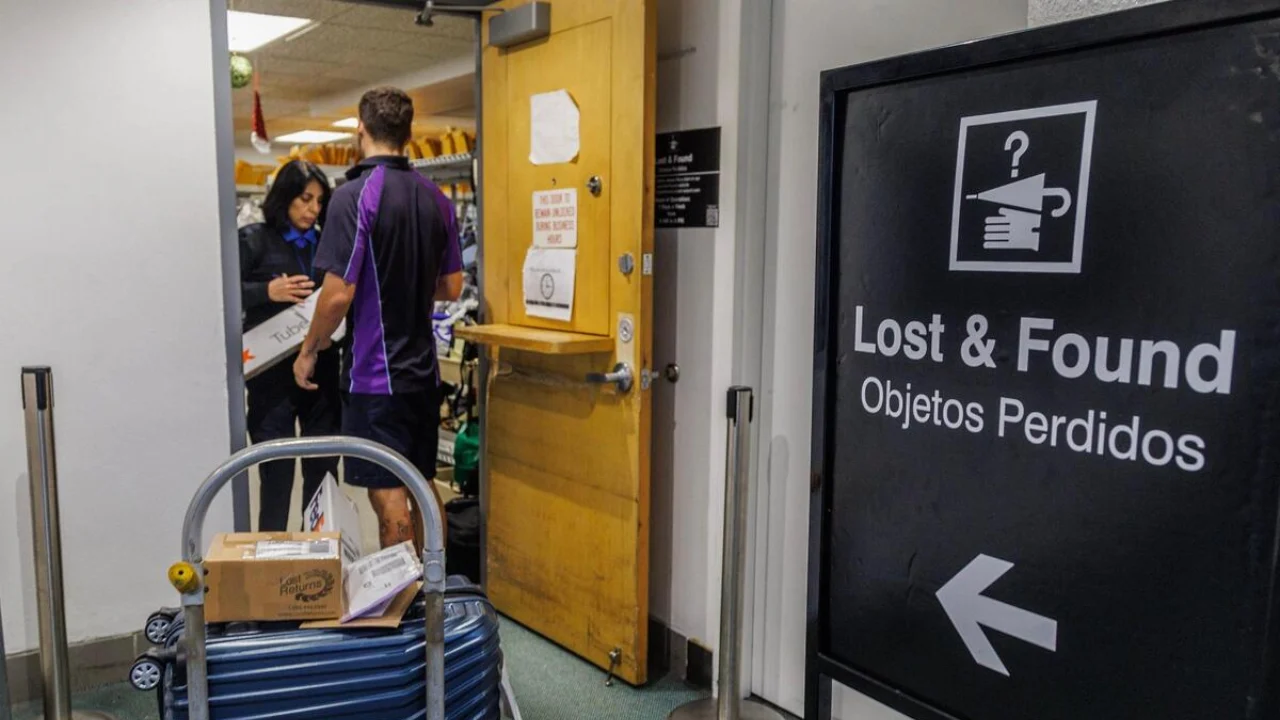
Orlando Airport lost and found office helps with items misplaced in airport areas, while airlines and transport companies handle items left in their own vehicles. MCO uses an online system to record, manage, and help return lost items to their owners. The airport does not charge a service fee for helping locate lost property.
Whom to Contact for MCO Lost and Found?
Different locations have different offices for reporting a missing carry-on suitcase or personal belongings. Use the MCO airport map to locate the lost and found office.
|
Lost Item Location |
Reporting |
|
Airport Terminal or Public Area |
MCO Lost and Found Office |
|
In Flight |
Specific Airline |
|
Rental Car |
Rental Car Company |
|
Taxi, rideshare, or other transport vehicle |
Transport Operator |
|
Security Screening Area |
|
|
Checked suitcase that did not arrive |
Airline’s baggage service desk |
Orlando International Airport Lost and Found Office Physical Location
MCO has two lost property offices. Both are located on Level 1, the MCO ground transportation level.
|
Terminal |
Address |
Operating Hours |
|
Terminal A |
One Jeff Fuqua Blvd, Orlando, FL 32827 |
7:00 am to 7:30 pm |
|
Terminal C |
10200 Jeff Fuqua Blvd South, Orlando, FL 32827 |
8:00 am to 4:00 pm |
Note: Everyday items from the Terminal C office to the main office in Terminal A at 4:00 pm.
Online Contact Details for MCO Airport Lost and Found
Visitors can report a lost or found item online or at the Lost and Found desk.
|
Online Report |
|
|
Phone Number |
(407) 825-2111 or +1-407-825-3177 |
|
|
lostandfound@goaa.org |
How to Report Lost and Found at MCO Online?
The online Orlando International Airport lost and found page uses the Boomerang form. To file a complaint:
-
Open the MCO Lost and Found form.
-
Provide information, such as brand, color, serial numbers, or unique stickers.
-
Enter the personal details, phone number, and contact email address.
-
Track updates sent by email while the Lost and Found team searches for the matching item.
How to Collect a Found Item at MCO Airport?
Once an item is matched, ask about available return methods, delivery destinations, packaging, tracking, and any charges. Confirm the full delivery address before approving arrangements.
Visit the Office: Travelers who are still at MCO can visit the Lost and Found office in Terminal A or Terminal C to collect items during office hours. Carry a photo ID to pick up an item.
Ask Someone Else: When the owner cannot visit the airport, a representative may pick it up. The airport may ask for written permission or other details before releasing the item:
-
Owner’s full name
-
Representative’s full name
-
Identification copy if required
-
Claim or reference number
-
Written authorization
-
Clear description of the item.
Tip: Collection requirements should be confirmed in advance.
Shipment: Do not assume the airport will automatically mail every type of item. Shipping arrangements may depend on the item, destination, and applicable transportation rules.
How Long Does MCO Keep Lost Items?
MCO holds items for 30 days from the date of drop-off. Keep an eye on the email account used for the report, including the spam folder. Use the existing reference when asking for an update. If new details become available, such as a serial number or a clearer photo, explain how the information relates to the original report.
Lost Licences and Other Important Documents
Documents need a careful description because several may look alike. Record the document type and issuing country or state without posting an image publicly.
Driver’s License: A driver’s licence handed in on its own is automatically mailed to the address printed on it. A licence inside a missing wallet should be described as part of the wallet’s contents. If the printed address is outdated, contact the office.
Passport: Contact the issuing authority or relevant consulate about replacement and travel requirements for a missing passport. An airport lost-property report does not replace those steps. If travel is imminent, confirm the applicable document requirements with the airline rather than relying on the recovery process alone.
Losing something at the airport can be frustrating, but the MCO lost and found office makes it easy to recover the items. The airport does not charge a service fee to locate lost property. If the item is found, a photo ID is required for pickup, and items are generally held for 30 days.