
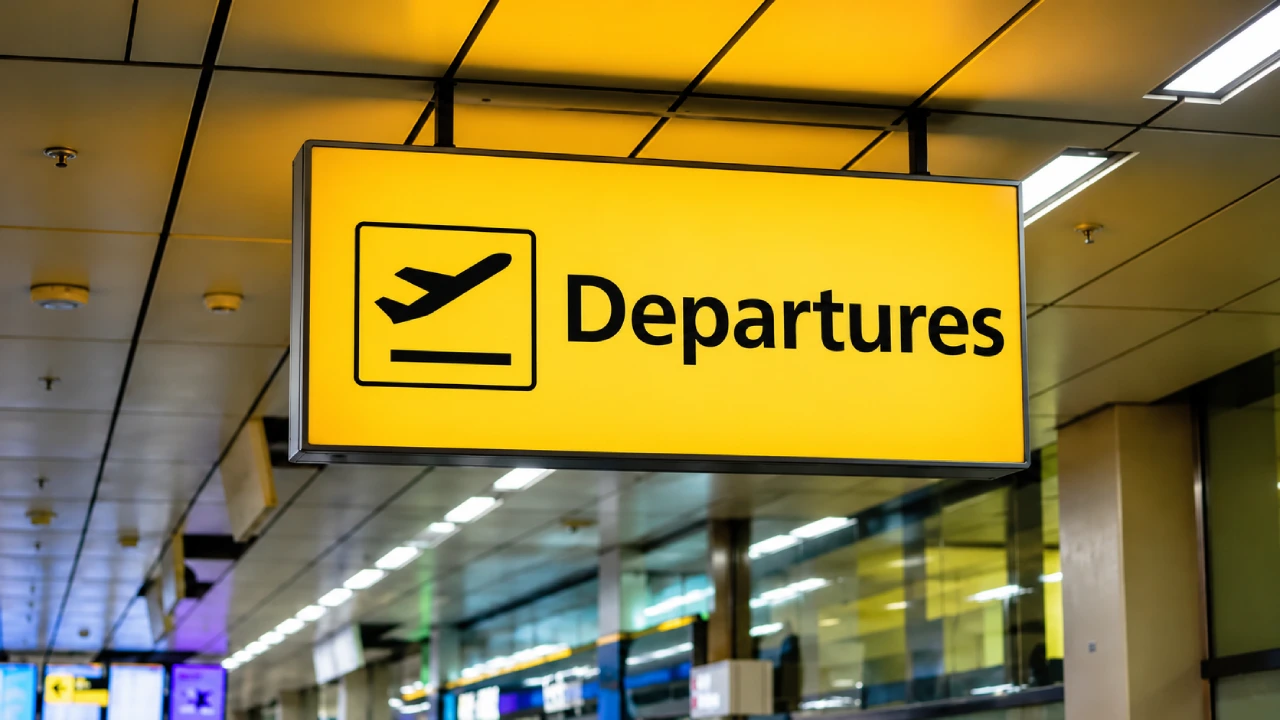
Orlando Airport handles over 400 domestic and international departures through Terminals A, B, and C. MCO departure procedures depend on the airline, destination, and terminal shown on the flight ticket. Terminals A and B share one building, with airline check-in and departure drop-off on Level 3.
Terminal C stands separately, with check-in, security, and departure gates on Level 2. Use automated People Mover trains to access the departure gates. The airport also offers restaurants, shops, charging points, lounges, and other services for departing passengers.
Live board
Loading…
Times shown in local airport time. Always confirm with your airline before travelling.Departures · Orlando International Airport
Time
Flight
To
Status
Terminal
Gate
Orlando Airport Departures Terminal Info
Orlando International Airport features four main airside gate clusters: Gates 1-29, Gates 30-59, Gates 70-99, and Gates 100-129 in Terminals A and B, alongside Gates C230-C254 in Terminal C. Main departure details depend on the airline and assigned gate.
|
Terminal |
Check-in Level |
Security Checkpoints and Departing Gate Area |
|
Terminal A |
Level 3 |
Gates 1-29 and Gates 100-129 |
|
Terminal B |
Level 3 |
Gates 30-59 and Gates 70-99 |
|
Terminal C |
Level 2 |
Gates C230-C254 |
MCO Orlando Airport Departures Procedure
The departure process includes check-in, baggage drop-off, security screening, and travel to the assigned departure gate.
Check-in and Baggage Drop-Off: Check-in is the first major step to confirm bookings, receive a boarding pass, or check baggage.
-
Complete check-in online, at airport counters, or use self-service kiosks.
-
Collect the boarding pass.
-
Drop checked baggage at the airline’s baggage counter or designated bag-drop area.
Security Screening: Visitors can use TSA PreCheck, CLEAR+, and MCO Reserve to speed up security screening.
-
Keep the boarding pass and required identification ready.
-
Place personal belongings in the screening trays when instructed.
-
Follow directions from Transportation Security Administration officers.
-
Check the departure screens after security for the latest gate information.
Note: The dedicated MCO CLEAR is available at security checkpoints for accelerated identity verification.
Departure Gates: After security screening, move to departure gates.
-
Once clear of security in Terminals A or B, take the automated monorail shuttle to the designated gate wing. Shuttles run continuously every few minutes.
-
Terminal C uses unified concourses with direct pedestrian access to departure gates.
Orlando Intl Airport Departures for International Flights
International departures may require additional checks before boarding.
-
Confirm that the passport meets the destination's validity requirements.
-
Check whether a traveler needs a visa, electronic travel authorisation, or other permission.
-
The airline may verify travel documents at check-in or the boarding gate.
-
Review the airline's checked and carry-on baggage limits.
-
Check transit visa rules and baggage arrangements if changing planes in another country.
-
Reach the gate before the airline's stated boarding deadline.
MCO Orlando Airport Departure Services
Passengers who arrive early can use the facilities available after security screening.
-
Restaurants and cafes
-
Lounges
-
Gameaway
-
Charging points
-
WiFi
-
Pet relief area
-
Nursing rooms
-
Family restrooms
-
Luggage storage
-
Accessibility services
When to Arrive for an MCO Departure?
The recommended arrival time depends on the airline, destination, baggage, and security conditions.
|
Flight Type |
Recommended Arrival Time |
|
Domestic Flights |
About 2 hours before departure |
|
International Flights |
About 3 hours before departure |
The MCO security wait times can increase during holidays, weekends, major events, and busy morning or evening periods. Arrive early to find the correct terminal, resolve booking issues, and reach the departure gate
How to Track Orlando International Airport Departures?
Flight status information helps passengers check scheduled departure times, delays, cancellations, boarding updates, and gate details. Travelers can track information through:
-
Official MCO website
-
Airline website or mobile app
-
Airport digital screens
-
Airline Newsletters
Parking Before Departures at MCO
MCO offers garages near the terminals and economy parking. The best choice depends on the departure terminal, budget, and time available.
-
Parking garage A & B
-
Terminal top parking
-
Parking garage C
-
Valet parking
-
Surface lots
-
Economy parking
-
Cell phone lots
-
Hotel guest parking
-
Accessible parking
Tips for a Smooth Orlando Airport Departure
Here are a few steps to make the departure procedure easy:
-
Check the flight status and terminal information before leaving.
-
Complete check-in online to save time.
-
Check the airline’s baggage allowances and restricted items.
-
Keep all the travel documents ready.
-
Allow extra time for traffic, parking, and terminal transfers during busy hours.
-
Follow airport signs to the correct security checkpoint.
-
Listen for announcements and monitor airline notifications.
Orlando Airport departures are easier to manage with correct information on the terminal, check-in requirements, baggage rules, and flight status. Departures in terminals A and B are managed on Level 3, while Terminal C departures start on Level 2. Airport screens and airline notifications provide useful updates about delays, gate changes, and boarding.